---
title: GPS-Synchronization
urlSegment: gps-synchronization
sidebar:
order: 1000
redirectFrom:
- en/atime/typography/gps-synchronization/
slug: "en/atime/menu/synchronisation/gps-synchronization"
lastUpdated: 2026-09-14T12:45:19.000Z
---
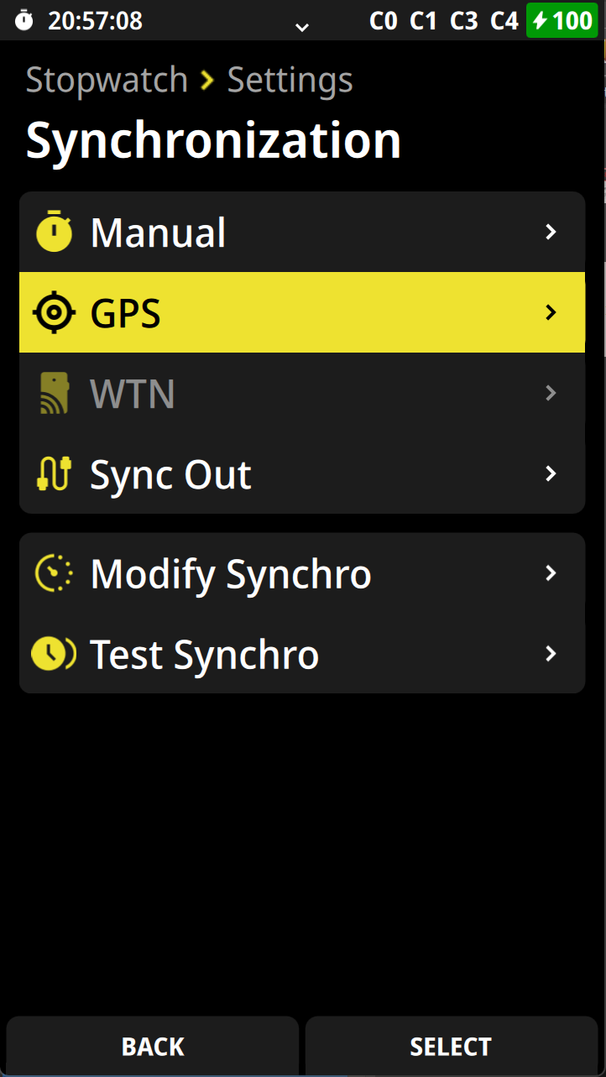
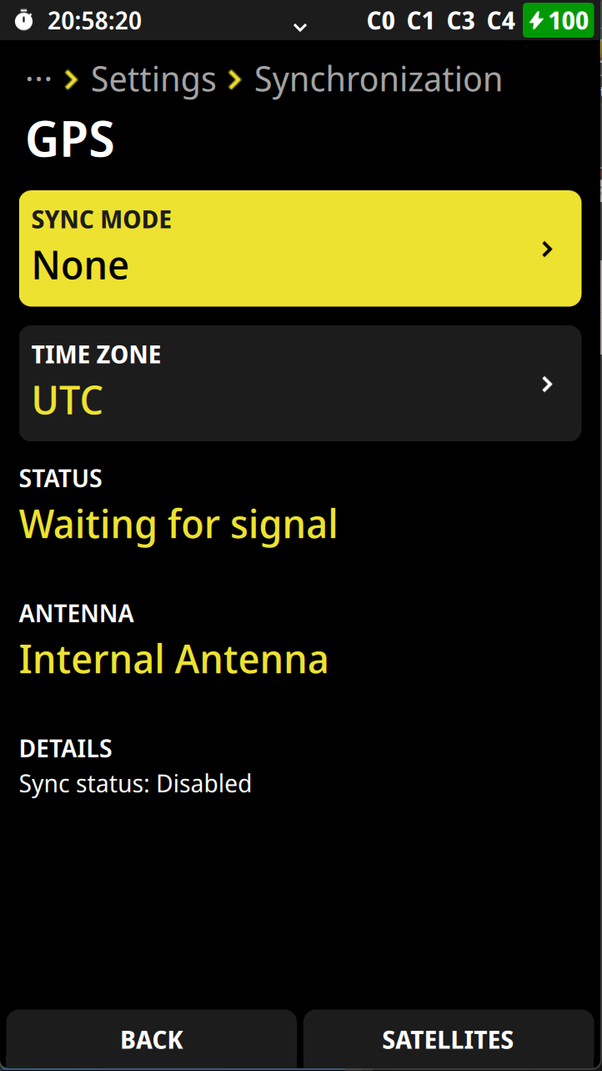
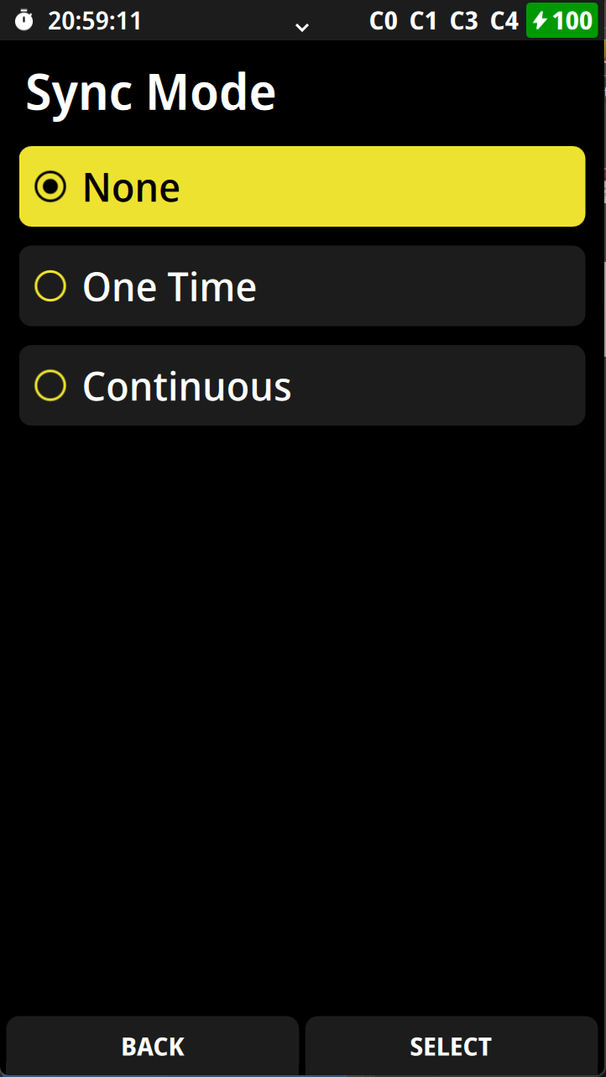
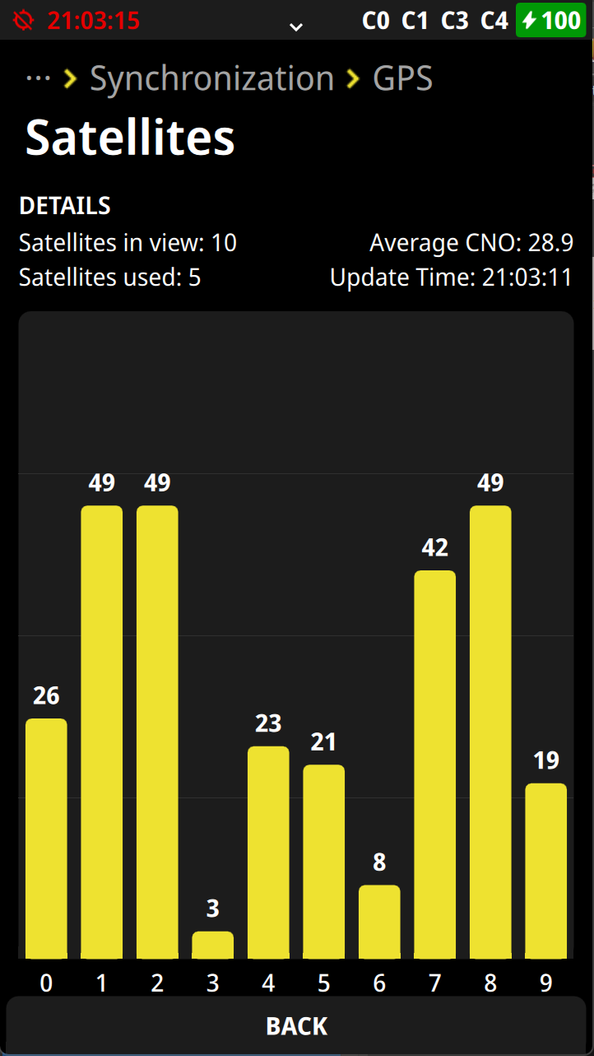
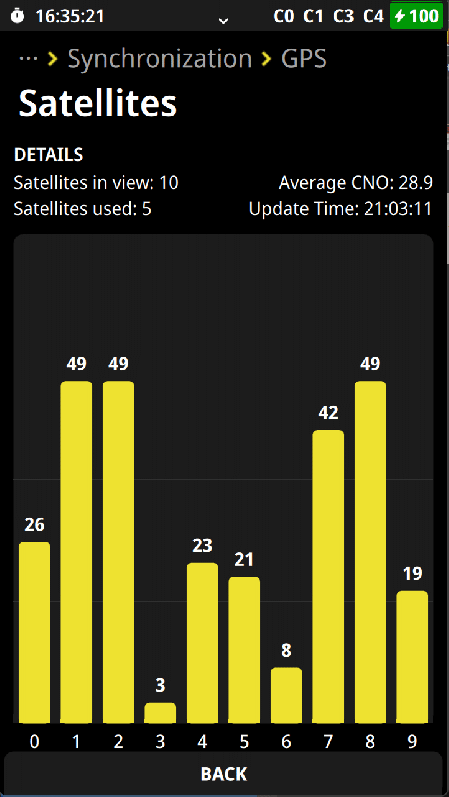
It is possible to synchronize the time of day of the ATime direct from GPS-satellites. Therefore go in the menu , select synchronization, select the **SYNC MODE** and select **One Time** or **Continuous**.
## **One Time**
The ATime will be synchronized by GPS once and then continue to run with the internal quartz.
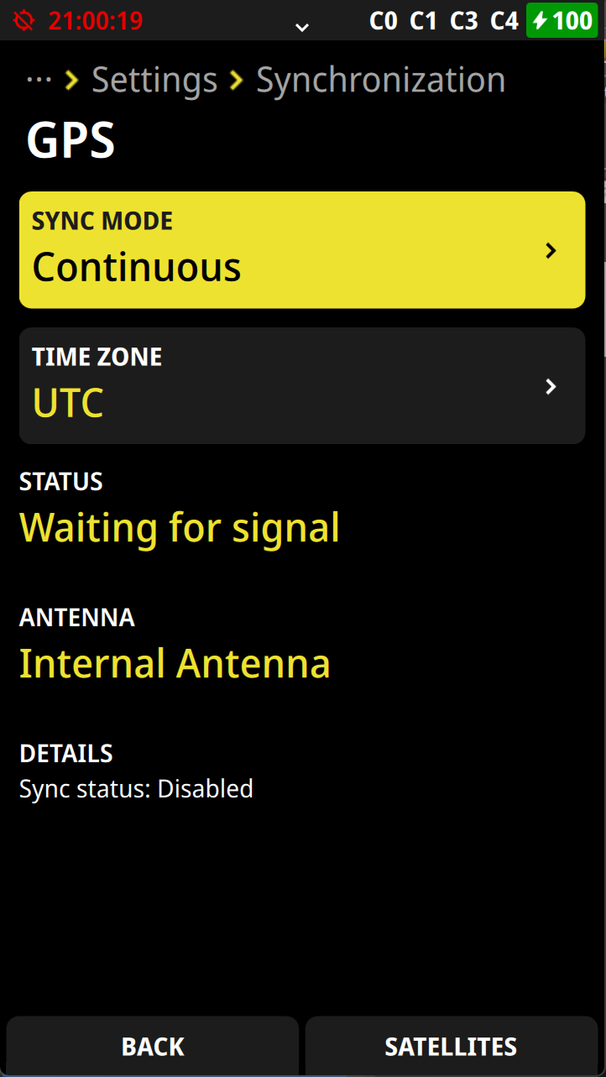
## **Continuous**
As long as you receive a GPS-signal the GPS will synchronize the timing device. If the GPS-signal is lost for a longer time a re-synchronization will only happen if the drift of the time of day is within a very small limit. If the drift is over this limit the timing device continues to run on the internal quartz.