4.3.1 Manual Synchronization
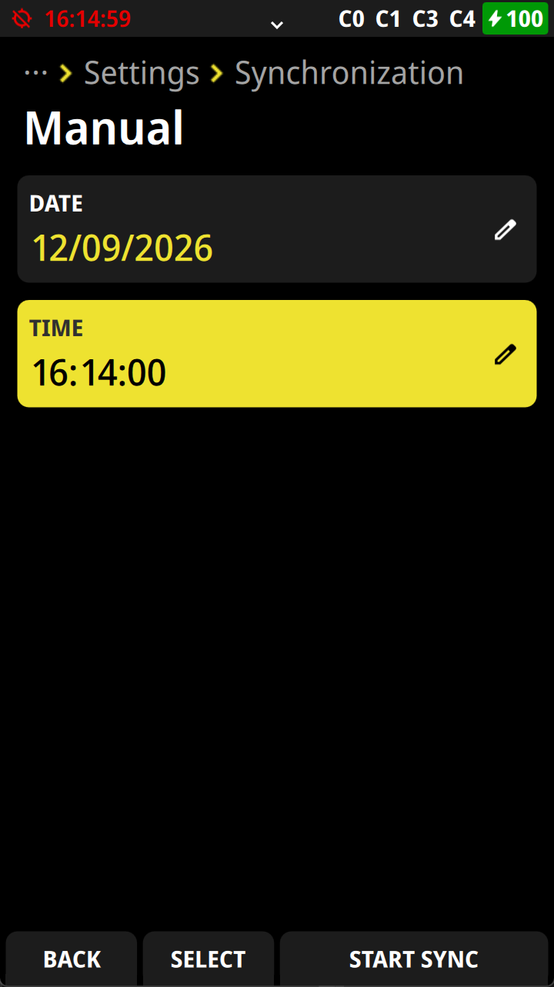
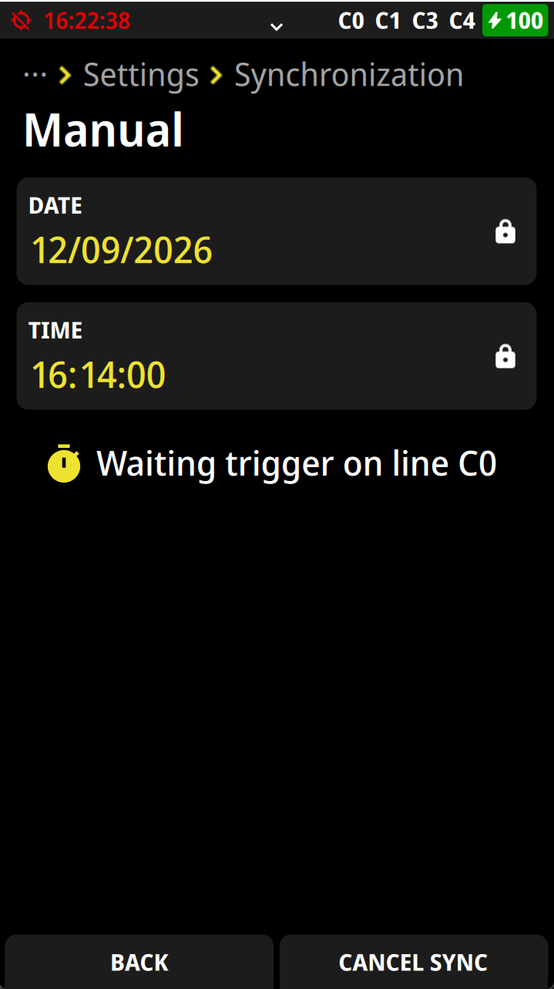
When selecting the manual synchronization you will see the Date and Time for the synchronization. This data you can overwrite. The data that it shows are from the internal clock (Timekeeper RAM) of the ATime. The example below shows the Date with September 12th, 2026. The Time that it shows with 16:14:00 is the time that starts to run with an external impulse.
If the synchronization is not done, it show in the left upper corner the time of day in red (the clock-symbol is crossed out).
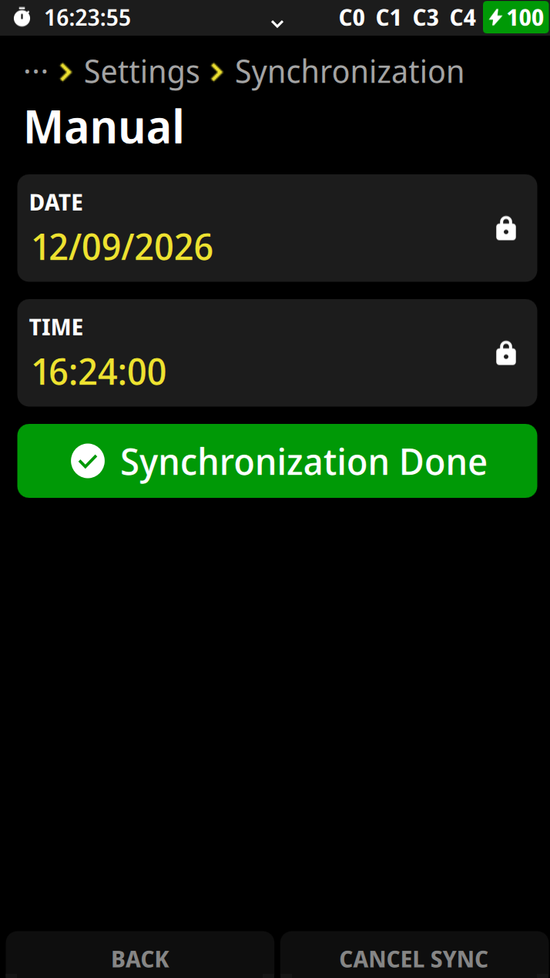
If the synchronization is done, it shows in the left upper corner the time of day in white (the clock-symbol is visible).